








Brand centre

Engager.app brand centre

Your hub for Engager.app logos and brand assets.

Download our logos, colours, font and backgrounds, and see how to write our name correctly. Everything you need to represent Engager.app consistently.

Logos

Our logos

Each logo is available in RGB for screens and CMYK for print.

Engager.app by TaxCalc primary logo, horizontal

Primary logo

Our primary logo now features the TaxCalc brand mark. It has been carefully sized and positioned for visual balance, so the combined logo adapts to any background or context and stays consistent across every medium.

Engager.app by TaxCalc secondary logo, stacked with the icon above the wordmark

Secondary logo

The stacked version places the icon above the wordmark. Use it where a vertical layout suits the space better. It keeps the same consistency and balance as the primary logo.

Engager.app by TaxCalc wordmark without the icon

Wordmark

The wordmark shows “engager.app by TaxCalc” without the icon. It is used less often, and suits situations where a simpler, text-only version is needed, keeping our name clear and recognisable in minimal designs.

Engager.app icon brand mark on its own

Icon

Our standalone brand mark is for compact spaces where the full logo or wordmark would not fit. It keeps the brand recognisable at small sizes, and is ideal for favicons, social media avatars, app icons and other places that need a small identifier.

Colours

Our colour palette

Our palette reflects the brand’s personality and keeps everything we produce consistent and vibrant. Select a hex code to copy it.

Navy
Red
Yellow
Green
Sky
White

Font

Poppins

We use modern, legible type that matches our professional yet approachable personality. Poppins is our brand typeface.

Our name

Using “Engager” and “Engager.app”

The first letter of “Engager” or “Engager.app” is always a capital. Choose the right version for the context.

Engager

Use “Engager” when referring to the brand or the company in a general context.

Example“Engager is committed to making practice management simpler for accountants and bookkeepers.”
Example“Our team at Engager is dedicated to providing excellent customer service.”
Example“Engager offers a variety of features designed to improve workflow efficiency.”

Engager.app

Use “Engager.app” when referring specifically to the web application, or when you want to emphasise the digital side of the platform.

Example“Log in to Engager.app to access your customisable dashboard.”
Example“You can find more information by visiting Engager.app.”
Example“Engager.app allows users to customise their login pages with their own branding.”

General tips

  • Consistency is key. Choose “Engager” or “Engager.app” based on the context and use it throughout your communication.
  • Avoid variations such as “engager” or “Engager App”.

Following these guidelines helps keep our brand clear and professional across all platforms and communications.

Backgrounds

Brand backgrounds

Use these backgrounds for engaging, visually consistent branded materials.

A selection of Engager.app brand background designs in navy and green

Download all

The full brand pack

Get every logo, the Poppins font and our backgrounds in one download.

Need something else? Email contact@engager.app
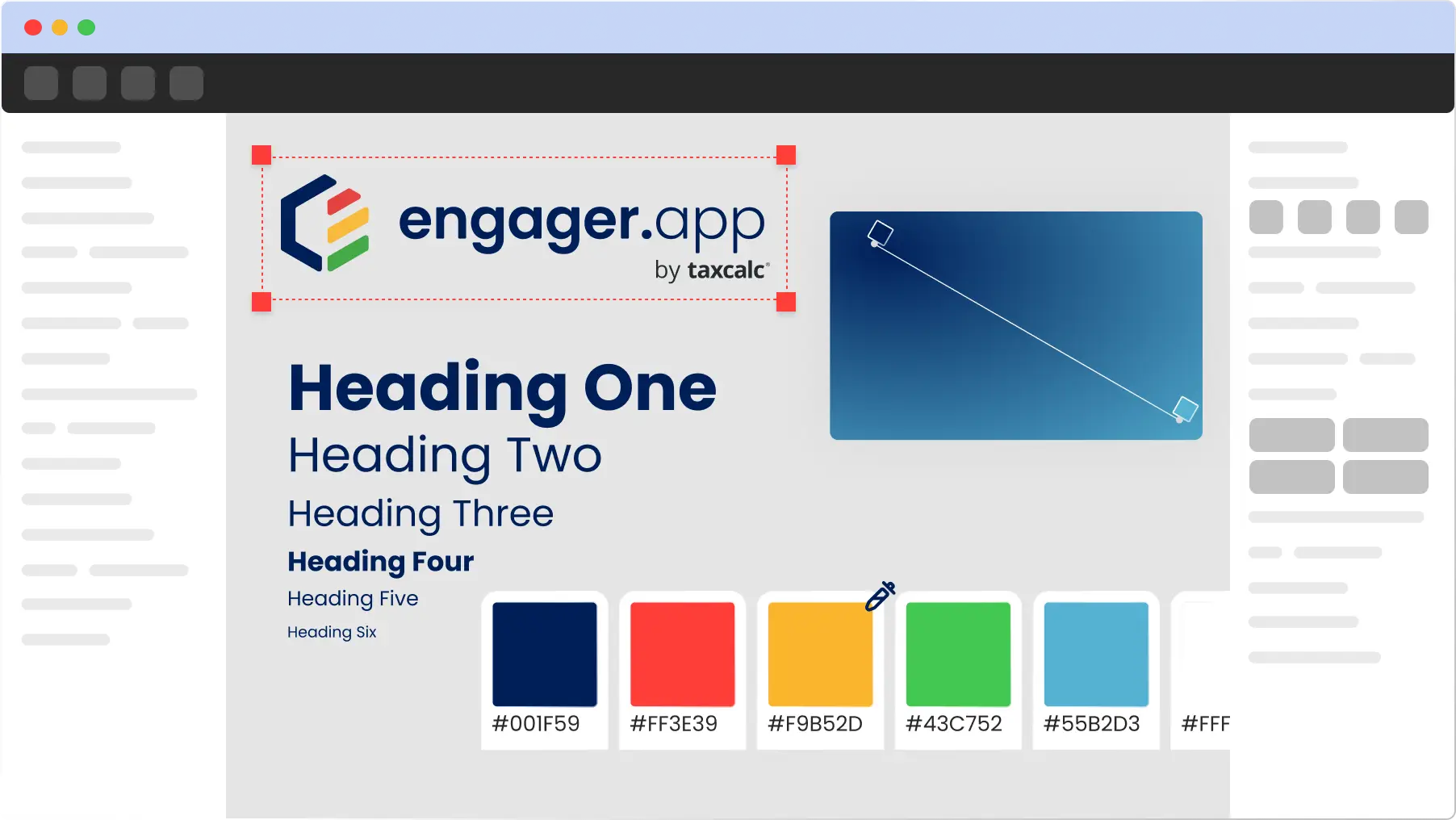
Preview of the Engager.app brand pack: logos, colours and backgrounds

Newsletter

Be the first to know.

Product updates, events and practical tips for running your practice, straight to your inbox. No spam, unsubscribe any time.