








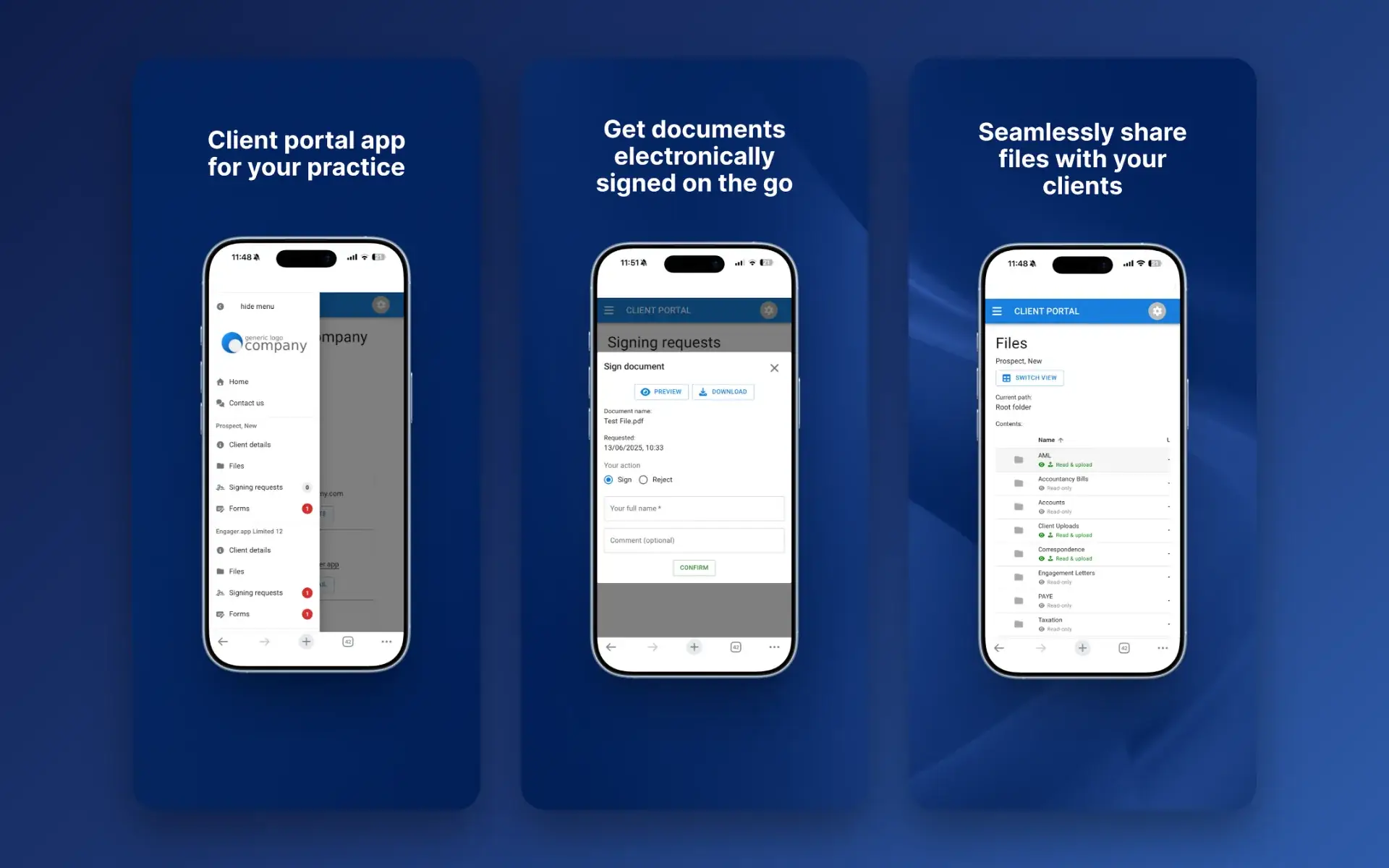
Clients struggling to find documents?
Everything you share sits in their portal, on their phone, ready to view or download.
Onboard clients
Communicate and team
With TaxCalc and Engager working together.
Read the story →Compliance, referrals and payments
"Engager understood the pain points accountants face."
Read the story →Learn and stay updated
Packages start from as little as £9 +VAT per month.
Free 28-day trialStart your journey
Jason Holden, Founder, Holden Associates
Features / Mobile App
Give clients your client portal on their phone. They can view and download documents, upload files, complete forms and sign documents electronically, wherever they are.
No card details required. Every feature and unlimited users included, from £9 +VAT a month.

Client portal app
The Engager app is free for your clients on iPhone, iPad and Android. It connects to your practice’s client portal, so their files, signing requests and forms are always to hand.
Clients see your practice’s logo and colours in the app, so it feels like part of your service.
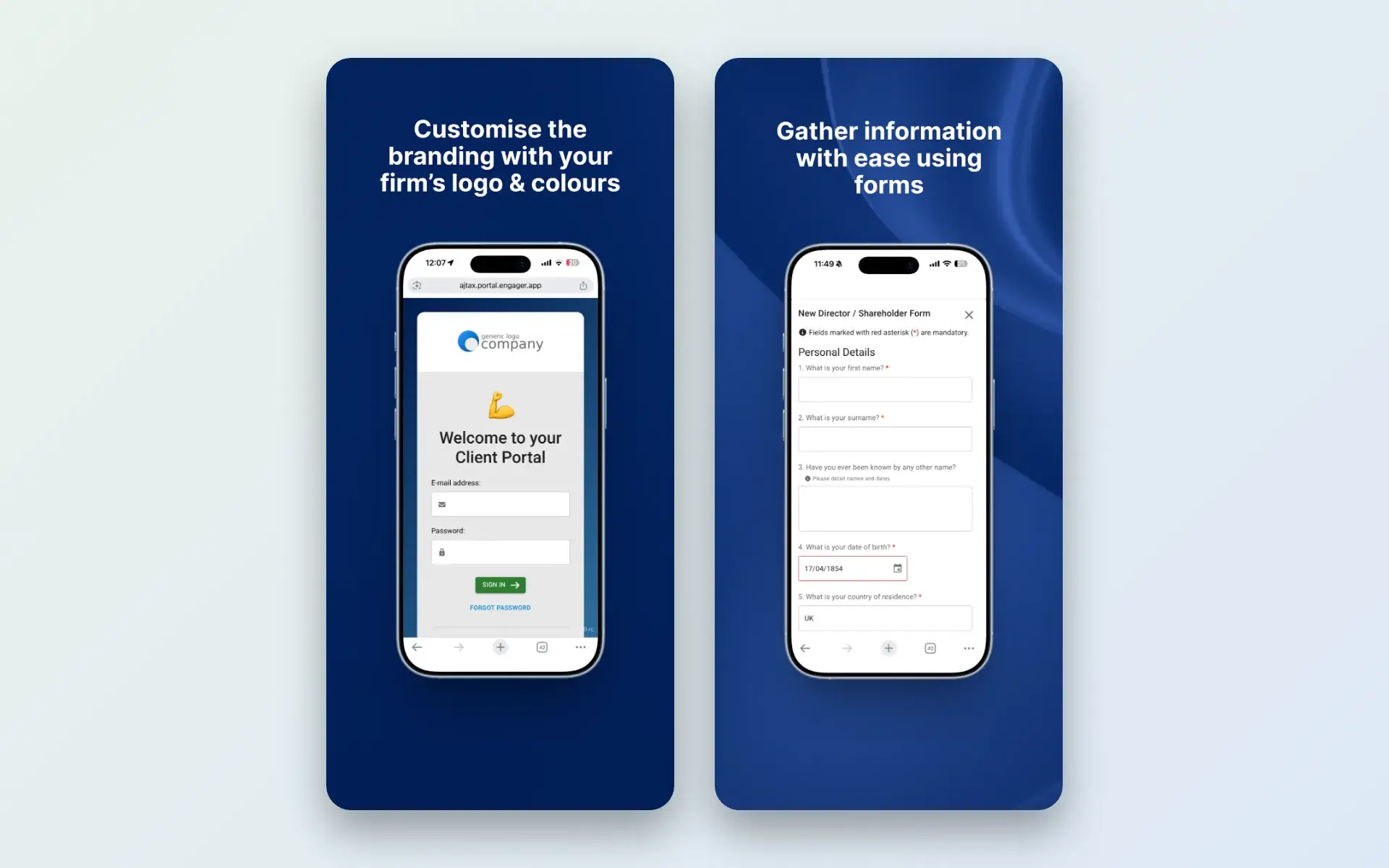
How it works
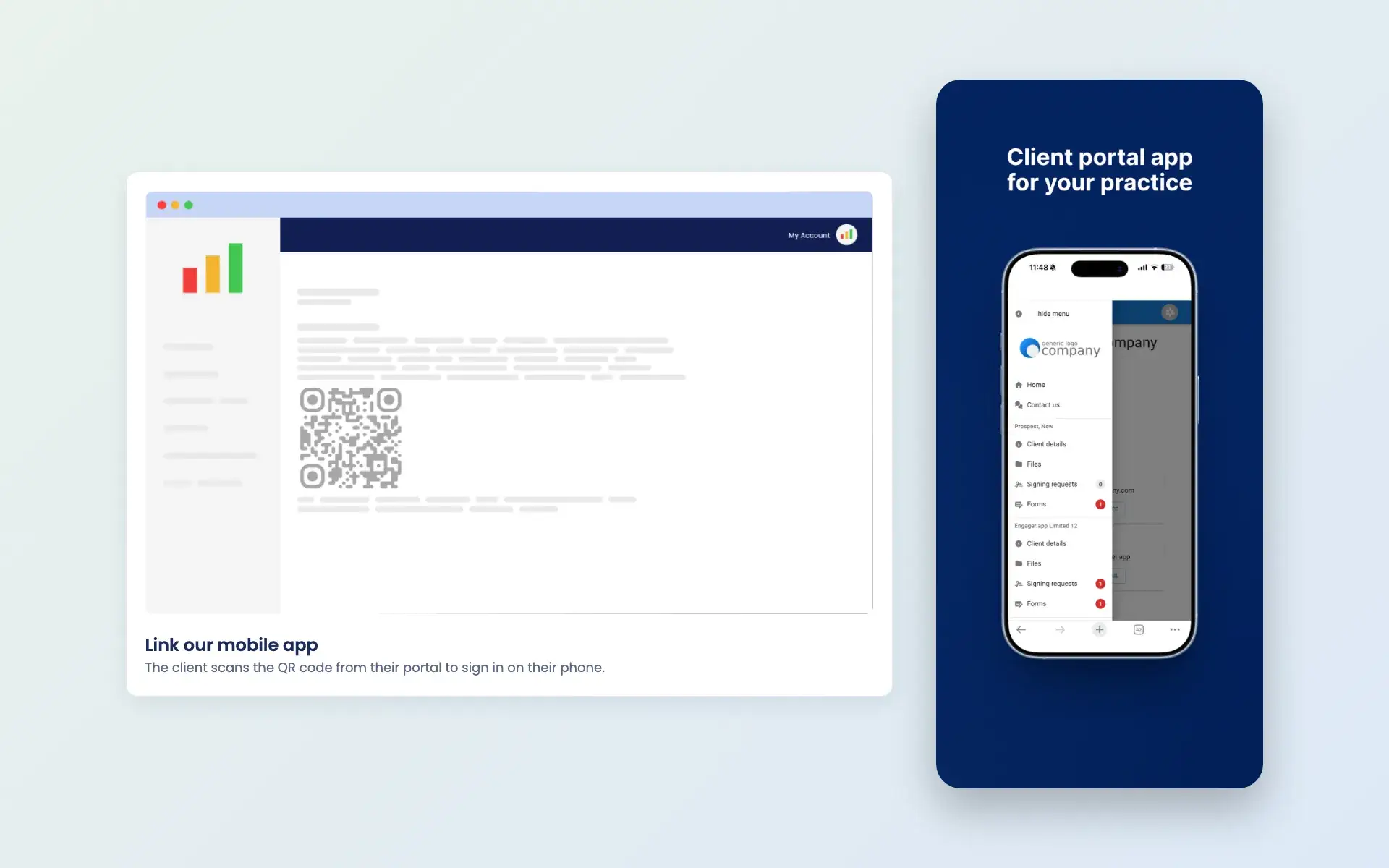
Clients sign in to their portal on a computer, choose Link our mobile app and scan the QR code with their phone. After the first sign-in, they can use Face ID or fingerprint login.
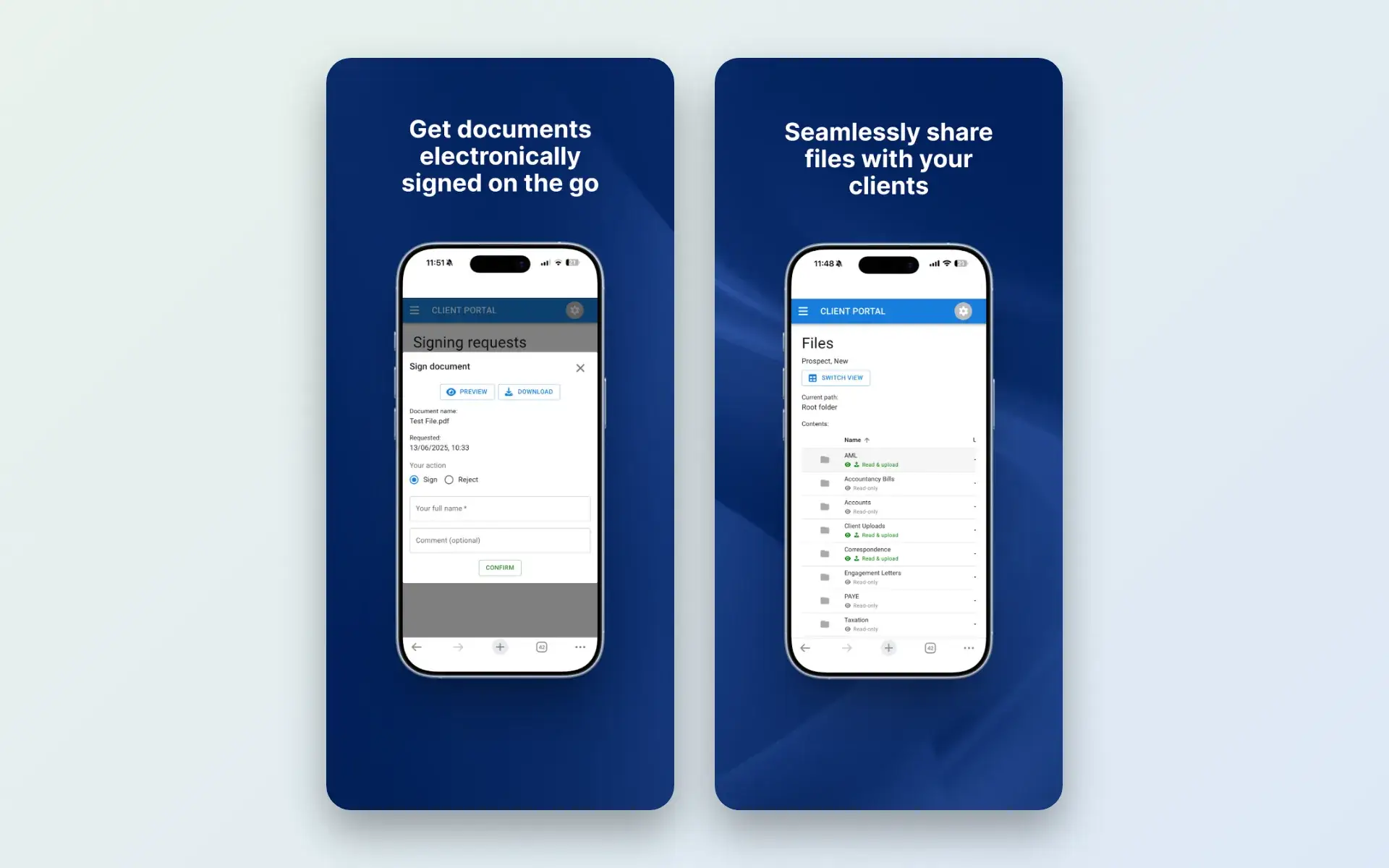
Each client sees their details, files, signing requests and forms. They can download documents such as tax returns, sign documents electronically and upload files of up to 50 MB to the folders you allow.
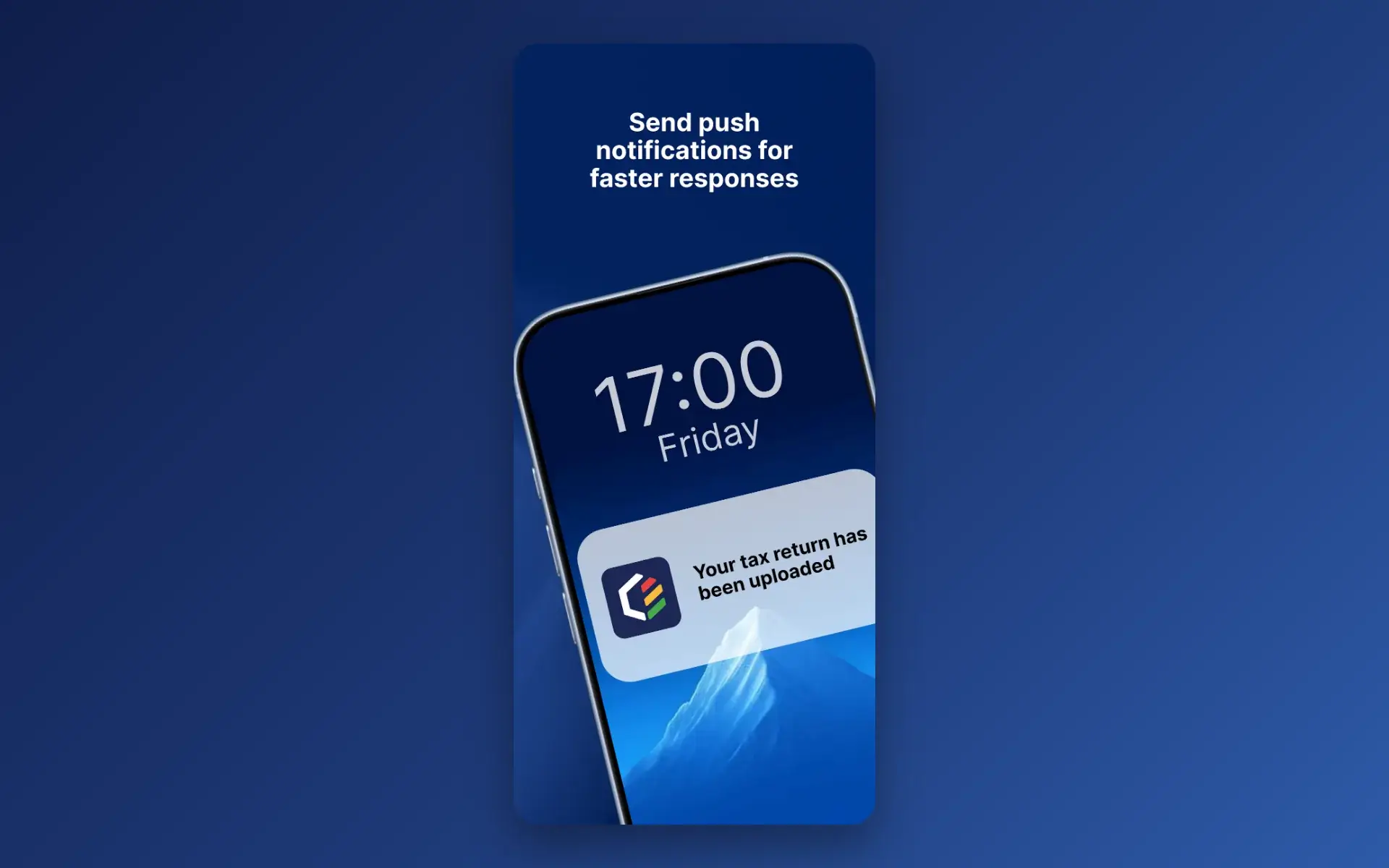
After you upload a file to a client’s folder or send a form request, you can send a push notification to the contacts you choose. Contacts without the app are flagged, so you can email them instead.
Common challenges

Everything you share sits in their portal, on their phone, ready to view or download.

Clients can sign documents electronically on the go, without printing or scanning.

Clients upload files straight to the right folder in their portal, from their phone.

A push notification tells them when a new file or form is waiting for them.
Reviews
4.6 out of 5 from 199 reviews on Trustpilot, 181 of them five stars.
“Moved over from another practice management system and I’m so pleased I did. My only complaint is why I didn’t do it sooner!”
“Finally found a practice management software that ticks every box and keeps us on track with deadlines, jobs, onboarding and billing.”
“It keeps everything in one place, and has taken a lot of admin stress off our plate. It was built by an accountant for accountants, and you can really tell.”
Works together
Everything your clients see in the app is managed from Engager.
Questions
It is for your clients. It gives them your client portal on their phone, so they can view documents, upload files, complete forms and sign documents.
It is free on the App Store for iPhone and iPad running iOS 15 or later, and on Google Play for Android.
They sign in to their portal on another device, choose Link our mobile app from the user menu and scan the QR code. After the first sign-in they can use Face ID or fingerprint login. The app connection guide shows the steps.
Yes. Clients can upload files of up to 50 MB to folders you have set to Read & upload, and can rename a file or add a note.
Yes. After uploading a file or sending a form request, you can send a push notification to the contacts you choose. Push notifications are for alerts, not conversations, and contacts without the app are flagged so you can email them instead.
No. The app is free for your clients, and every Engager plan includes every feature, from £9 +VAT a month. Try it free for 28 days.
Pricing
One price for your whole practice, based on how many clients you look after. Every feature and unlimited users included.
Enter your number of clients or drag the slider.
Billed monthly.
No card details required.
Compare plans in full →Get started
Try every feature free for 28 days. Our team will help you import your clients and set up your services.
Newsletter
Product updates, events and practical tips for running your practice, straight to your inbox. No spam, unsubscribe any time.