Features / Chrome Extension

Engager, one click away

The Engager.app extension for Google Chrome puts your practice in your browser toolbar, and reminds you to log your time when you open a client.

Free to add from the Chrome Web Store. Requires an Engager account, from £9 +VAT a month.
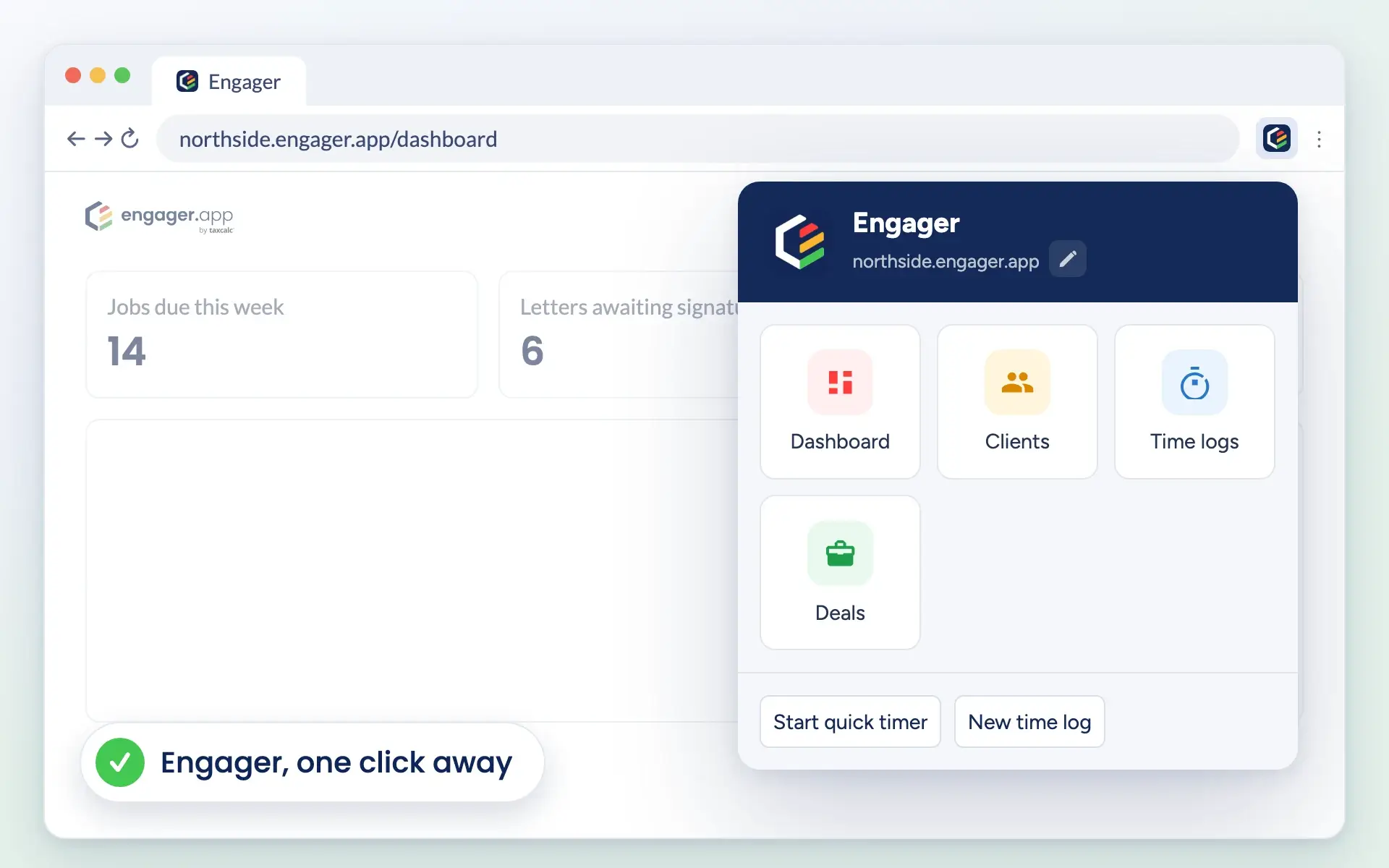
The Engager.app Chrome extension open in the browser toolbar, showing Dashboard, Clients, Time logs and Deals shortcuts and two time buttons

Who it’s for

A shortcut to Engager in your browser

For everyone in your practice who works in Engager all day.

Anyone who records time

Start a quick timer or a new time log from the toolbar, without hunting through menus.

Busy client managers

Open your dashboard, clients, time logs or deals in one click, whatever tab you are on.

Practice owners

A gentle reminder on each client’s overview helps your team remember to record their work.

How it works

How the Chrome extension works

Add it and save your address

Add the extension from the Chrome Web Store, then click the Engager icon in your toolbar. Type the part of your Engager address before .engager.app and select Save.

You only do this once. To change it later, select the pencil next to your address.
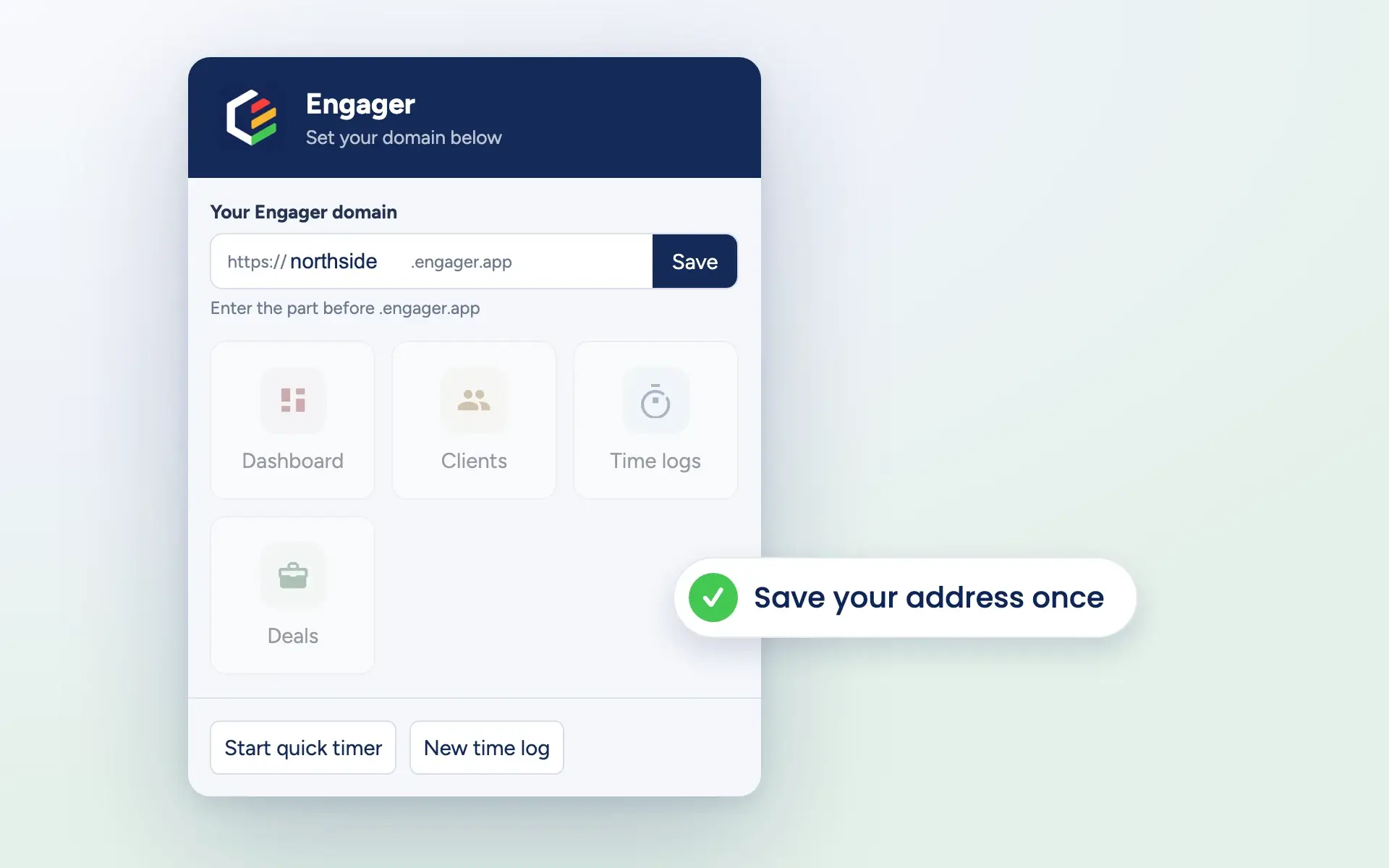
The extension asking for your Engager domain, with northside typed before .engager.app and a Save button

Jump straight there

Dashboard, Clients, Time logs and Deals each open in a new tab with one click.

Start quick timer and New time log take you to Engager and start the action for you, so you can capture time the moment you begin.
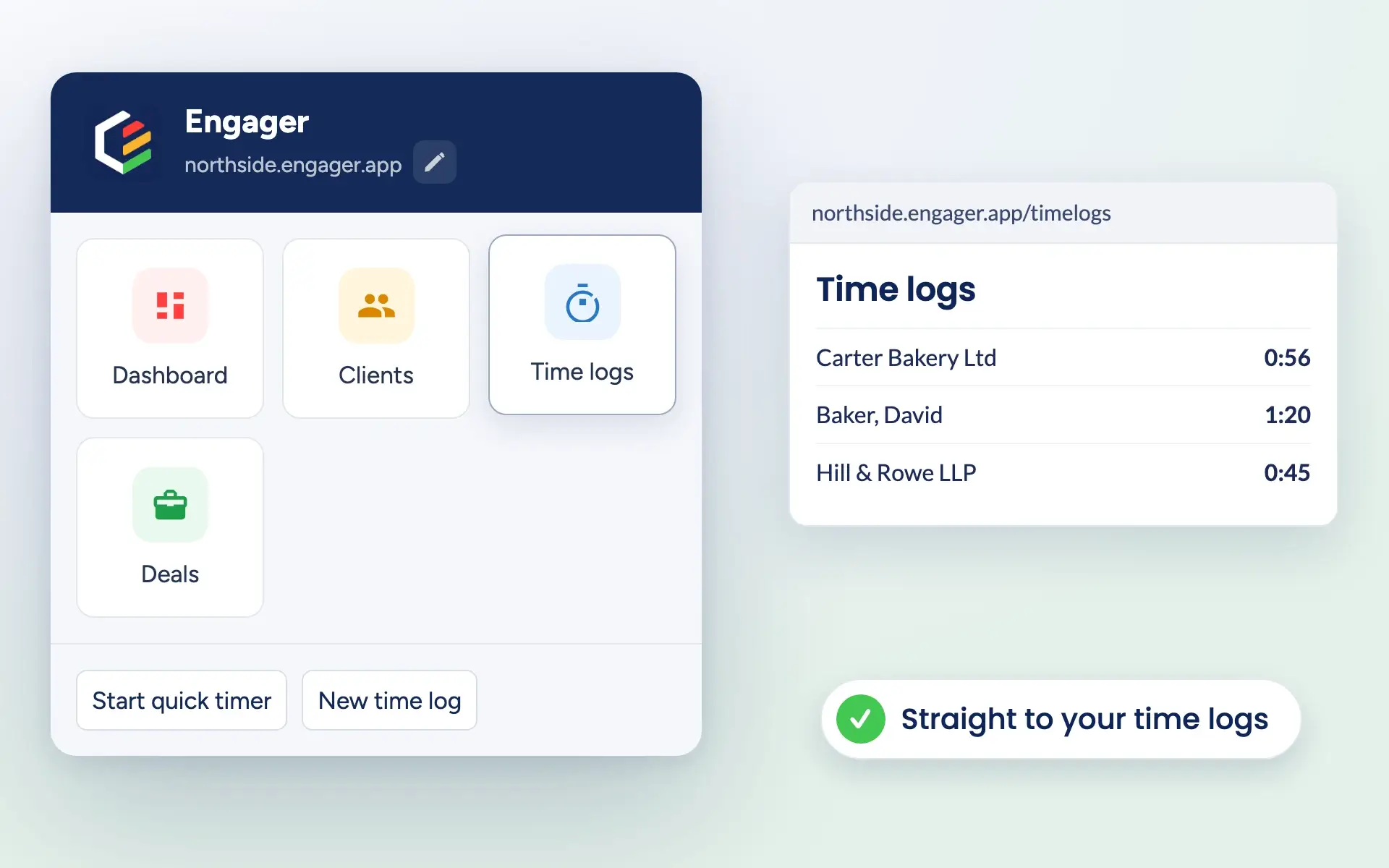
Selecting Time logs in the extension opens the practice’s time logs in Engager

A reminder when you open a client

When you open a client’s overview in Engager, a small reminder appears in the corner: Don’t forget to log time.

Start a quick timer or a new time log straight from the reminder, or close it. It tucks itself away after a few seconds.
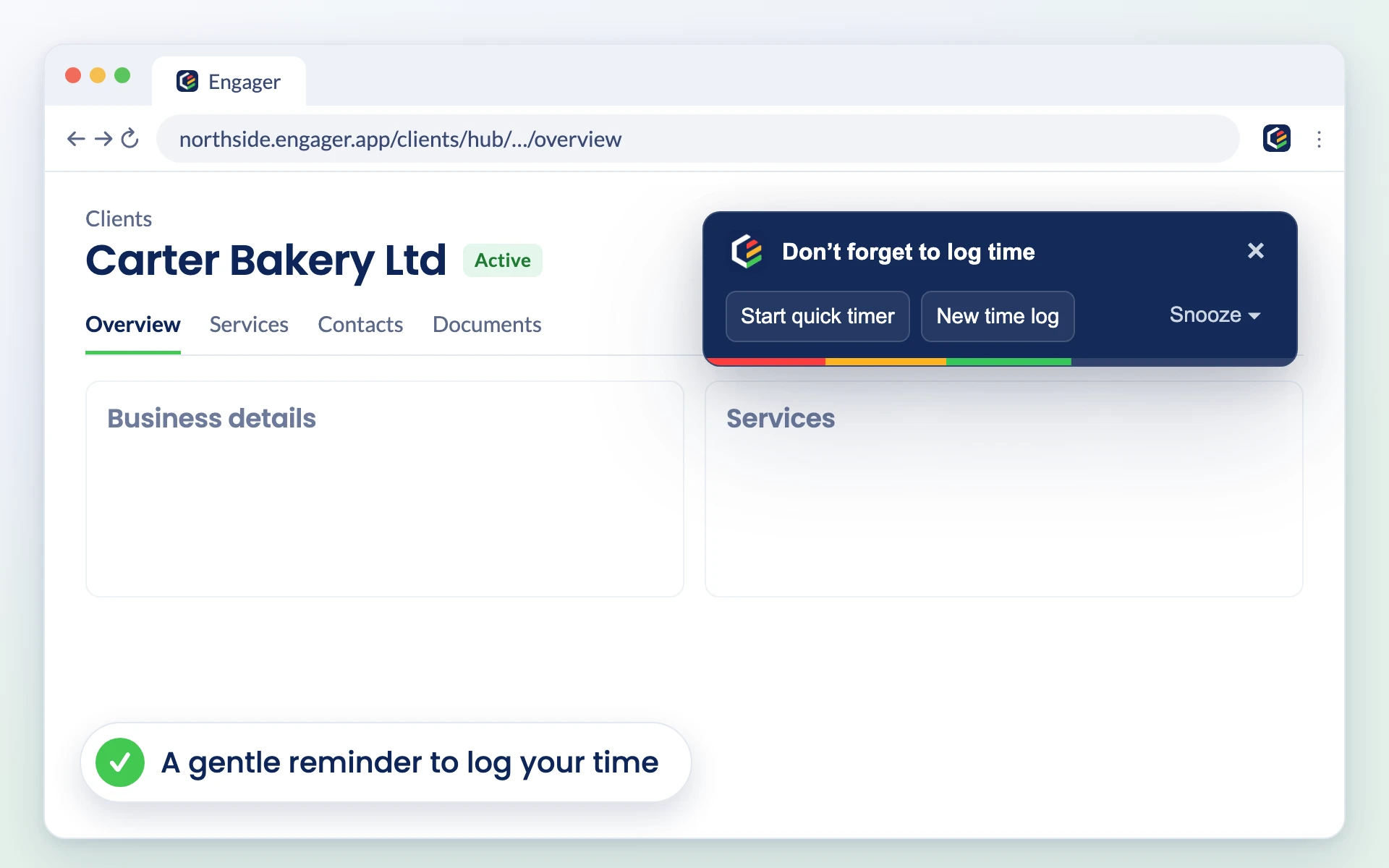
A Don’t forget to log time reminder on a client overview in Engager, with Start quick timer, New time log and Snooze buttons

Snooze when you need to focus

Busy on a long piece of work? Snooze reminders for 15 minutes, 30 minutes, 1 hour or until tomorrow.

The extension only runs on Engager pages, and the developer has disclosed that it does not collect or use your data.
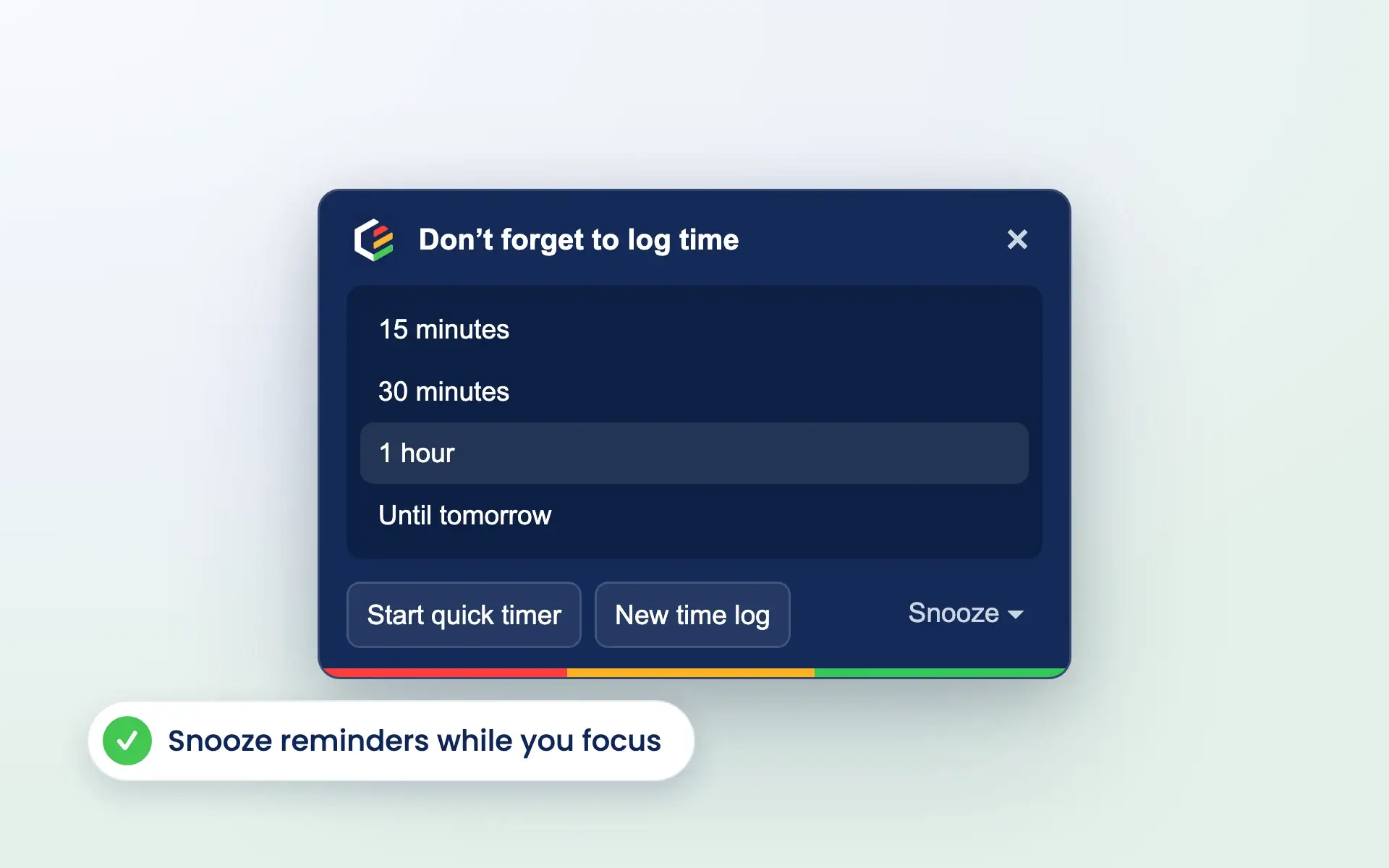
The reminder’s snooze options: 15 minutes, 30 minutes, 1 hour and Until tomorrow

Reviews

Rated Excellent by accountants and bookkeepers

4.6 out of 5 from 199 reviews on Trustpilot, 181 of them five stars.

Read all reviews on Trustpilot
“Moved over from another practice management system and I’m so pleased I did. My only complaint is why I didn’t do it sooner!”
Fiona · Verified Trustpilot review, April 2025
“Finally found a practice management software that ticks every box and keeps us on track with deadlines, jobs, onboarding and billing.”
Rosevale Accountants Ltd · Verified Trustpilot review, February 2025
“It keeps everything in one place, and has taken a lot of admin stress off our plate. It was built by an accountant for accountants, and you can really tell.”
Jana W · Verified Trustpilot review, February 2026

Questions

Chrome extension FAQs

What does the Engager.app Chrome extension do?

It adds an Engager button to your Chrome toolbar. From there you can open your Dashboard, Clients, Time logs or Deals, start a quick timer or create a new time log. When you open a client’s overview, it reminds you to log your time.

Does it cost anything?

No. The extension is free to add from the Chrome Web Store. You need an Engager account to use it, and every plan includes every feature, from £9 +VAT a month.

How do I set it up?

Add it from the Chrome Web Store, click the Engager icon in your toolbar, type the part of your Engager address before .engager.app, then select Save. Your shortcuts are ready straight away.

When does the time reminder appear?

When you open a client’s overview in Engager. You can start a quick timer or a new time log from it, close it, or let it disappear on its own after a few seconds.

Can I turn the reminders off for a while?

Yes. Select Snooze on the reminder and choose 15 minutes, 30 minutes, 1 hour or until tomorrow.

What data does the extension collect?

The developer has disclosed on the Chrome Web Store that it will not collect or use your data. The extension only runs on Engager pages and remembers your Engager address in your browser.

✓Timer started✓Time logged

Get started

Put Engager in your toolbar

Add the Engager.app extension to Chrome in a few seconds. New to Engager? Try every feature free for 28 days.

Newsletter

Be the first to know.

Product updates, events and practical tips for running your practice, straight to your inbox. No spam, unsubscribe any time.