








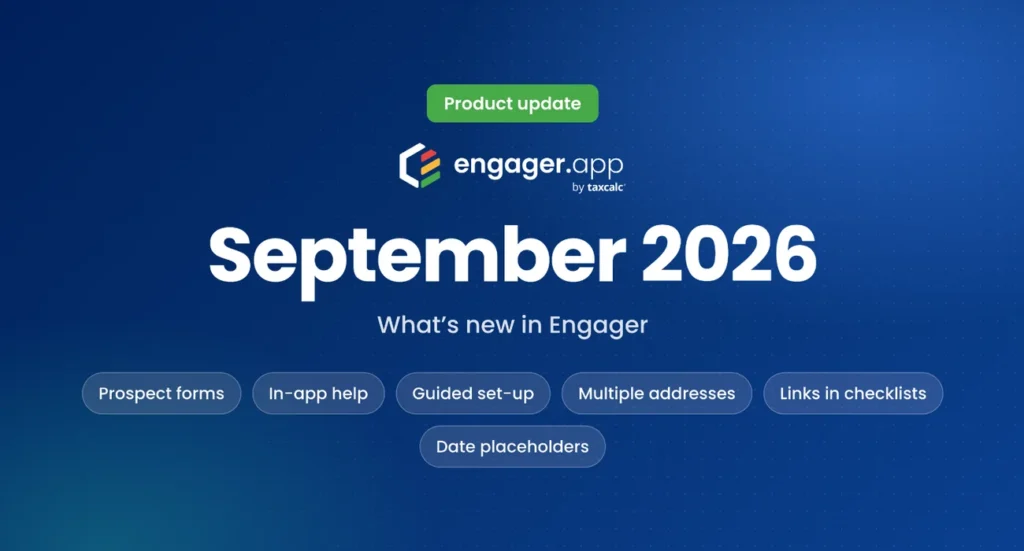
September brought a complete way to capture new enquiries, help that sits inside Engager itself, and three changes that cut out the dates and links you used to edit by hand. Several of them came straight from requests on Sleekplan.
Prospect forms: turn enquiries into deals
Prospect forms let you build a branded enquiry form in minutes and share it anywhere: on your website, in social posts, in an email campaign or as a QR code. Every submission creates a new contact and a deal in Engager automatically, so there is no manual entry before you follow up.
- Build or clone a form with a live preview, under Settings, Deals, Prospect Form.
- Qualify leads with custom fields such as number of employees, a choice of services and your own questions.
- Collect consent with checkboxes for your privacy policy, terms and conditions or marketing opt-in.
- Match your brand with your logo, colours and a light or dark mode.
- Set deal defaults for the owner, follow-up date, closing date, priority and estimated fee.
- See what works: reports show views, submissions and where your leads come from, so you can see which channels are working.
Choosing a service on a form does not switch that service on for the client, so no work starts before a letter of engagement has been sent.
Help and guidance inside Engager
Click Need help? on the right of the screen at any time to reach the knowledge base, our free Facebook community, free live training, feedback and feature requests on Sleekplan. New practices also get a set-up checklist to help them get started, plus guided tours that show how to make the most of Engager.
Multiple client addresses, synced with TaxCalc
Addresses now have their own Contact Info step on the client record, and you can add as many as you need, such as a registered office or an auditor’s address. Set a default, record when a client moved out of an address to keep a full history, and review exactly which addresses will be added when you link a client with TaxCalc.
Links in checklists, service phases and memos
You can now add links to checklists, service phases, general remarks and client memos. Point your team to a procedure, a Loom video, Companies House, HMRC or AccountingWEB right where they are working. Links in a checklist appear as the checklist is completed, and each service phase can hold several links. Remember to start each link with https://.
Dynamic date placeholders
Emails, message templates and document templates can now pull through the current or previous month and year automatically, in the format you choose, such as September 2026, Sep 26 or 09 2026. Requests for last month’s records no longer need editing every month. To show a fixed day, type it before the placeholder, for example 15/.
Smaller improvements
- Client imports now cope better with large files, and rows with errors are easier to spot.
- Fixes for emails not appearing in a client’s communication record, and for linking contacts to TaxCalc.
Coming next
A major overhaul of time tracking and billing is under way and is expected in early 2027. You can see new features as they arrive, and ask questions, at the free Weekly Live every Wednesday at 1pm.
Try Engager
Not using Engager yet? Start a free 28-day trial, with no card details required, or book a demo and we will show you around.