
Harrisons Accountancy is a team of 14 in Bedford, from partners to apprentices, led by owner Dan Harrison.
In short
- Harrisons Accountancy replaced spreadsheets with Engager after an earlier practice management system failed and went up in price.
- Owner Dan Harrison estimates days saved each month on onboarding and updating spreadsheets now clients enter their own details.
- Client managers see where jobs are held up, and standard checklists now keep a full history.
The firm looks after around 1,000 clients, including limited companies and sole traders, as well as personal tax returns and partnership accounts.
The challenge
An earlier practice management system did not deliver and then went up in price, so the firm went back to spreadsheets.
New clients were onboarded with a separate tool, but their details still had to be typed into Excel. Checklists were overwritten each time they were used, so there was no record of what had been done before.
The solution
A careful start
Dan found Engager through recommendations on social media. The firm tried it with a handful of clients first, then rolled it out across the practice once the admin team had uploaded the client list.
What began as a central place for client details now covers onboarding, workflow, job tracking and checklists. Accounts and tax stay in TaxCalc, which the firm has used for 15 years.
Onboarding without retyping
Proposals and forms now go straight to the client, who fills in their own details for the team to check and approve.
“I would say at least a day, just on onboarding new clients, that you can save a day just by onboarding clients through the month. And then probably another half a day or a day for somebody to upload all the spreadsheets or updating the spreadsheets that we would have been doing before.”
Seeing where work is stuck
Each job is allocated to a client manager, who can see where it stands at a glance.
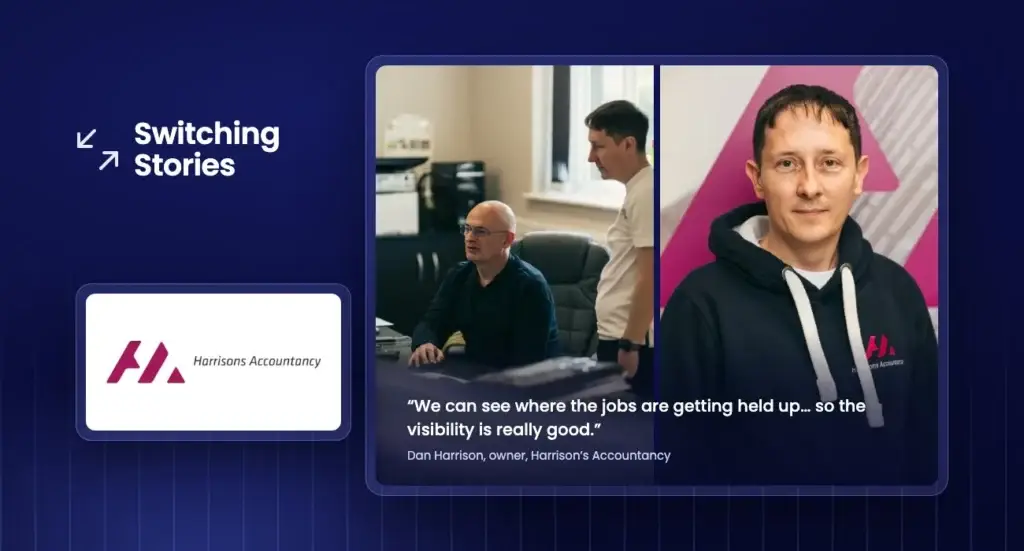
“We can see where the jobs are getting held up and what jobs are in, and if we’ve got any problem areas. Then we know where to put some resource if needed. So the visibility is really good.”
Frequently asked questions
How did Harrisons Accountancy move from spreadsheets to Engager?
Harrisons Accountancy, a team of 14 in Bedford with around 1,000 clients, had gone back to spreadsheets after an earlier practice management system did not deliver and went up in price. The firm tried Engager with a handful of clients first, then rolled it out across the practice once the admin team had uploaded the client list.
How much time did Harrisons Accountancy save on onboarding with Engager?
Owner Dan Harrison estimates at least a day a month saved on onboarding new clients, plus probably another half a day to a day that used to go on updating spreadsheets. Clients now fill in their own details through proposals and forms for the team to check and approve.
How does Engager help Harrisons Accountancy keep checklists consistent?
Every client now follows the same standard checklist, and past checklists are kept rather than overwritten. For VAT, the firm can look back over roughly the last 12 return checklists to see who did the work and what notes they left.
Does Harrisons Accountancy use Engager with TaxCalc?
Yes. Engager covers onboarding, workflow, job tracking and checklists, while accounts and tax stay in TaxCalc, which the firm has used for 15 years.
Staff start the day knowing which jobs are theirs, which have been reviewed and what is ready to go out.
“They’ve always got a track of what jobs are their responsibilities… they’ve got a bit more autonomy to manage their own workload. They know the deadlines and they can ask for help if they need it.”
Checklists with a history
Every client now follows the same standard checklist, and past checklists are kept.
“Before, the checklist would get overwritten. Whereas now for VAT, we’ve got maybe the last 12 VAT return checklists on there. You can see if someone did it, what they wrote as notes, and refer back to them, which is very good for us.”
“It standardised the work. It’s made it so that we don’t miss anything, really, which is quite good.”
The result
Dan is clear that the time saved outweighs the cost.
“The amount of time that we’d spend updating something else, so lost revenue time, is easily outweighed by the cost that we’re paying for the software.”
He also rates the pace of updates and the support.
“It’s always updating. Things always get added, like the timesheets – we don’t use those yet, but things like that always get added and improved. The support is really, really good. If you need to email, the responses are normally within an hour or so.”
His advice to other firms
“If it was me like five, six years ago, I’d say go for it. Try it out, do a demo, put a few clients on there, and you’ll see how much time you’ll save over the year. It’s a really good product, really good product.”
The bottom line
- Days of onboarding and data entry saved every month
- A clear view of where jobs are held up
- Standard checklists with a full history
- Staff who manage their own workload with confidence