








To sign a client up for MTD for Income Tax as an agent, you need an HMRC agent services account and an MTD for Income Tax authorisation for that client. You get that either by copying across your existing Self Assessment authorisation or by sending the client an authorisation request link. Once authorised, you sign the client up through your agent services account using their personal details and details of each income source.
With the first quarterly update for 2026/27 due by 7 August 2026, now is a good time to make sure every in-scope client is authorised and signed up. This guide walks through the process using HMRC’s published guidance.
Before you start: check the client can be signed up
HMRC’s guide to signing up a client says the client must be registered for Self Assessment and have submitted a tax return within the last 2 years. You should also check whether they need to use MTD for Income Tax (or want to volunteer), and whether any exemption applies.
Make sure you know which compatible software will be used for the client’s records and updates. MTD for Income Tax cannot be authorised using the paper 64-8 form. HMRC’s 64-8 guidance confirms it needs a separate online authorisation.
Step 1: get an agent services account
The agent services account is separate from HMRC online services for agents. If you do not have one yet, HMRC’s guidance on getting an agent services account explains what you need, including Government Gateway sign-in details, your firm’s Unique Taxpayer Reference and the details of your anti-money laundering supervisory body.
Step 2: get authorised for MTD for Income Tax
There are two routes, depending on whether you already act for the client.
If you already act for the client for Self Assessment
Check whether that authorisation already appears in your agent services account. If it does not, you can add it. According to HMRC’s guidance on main and supporting agents, agents who add their existing Self Assessment authorisations to their agent services account are automatically authorised as the main agent for MTD for Income Tax for those clients. The client still has to be signed up separately.
If you are not yet authorised
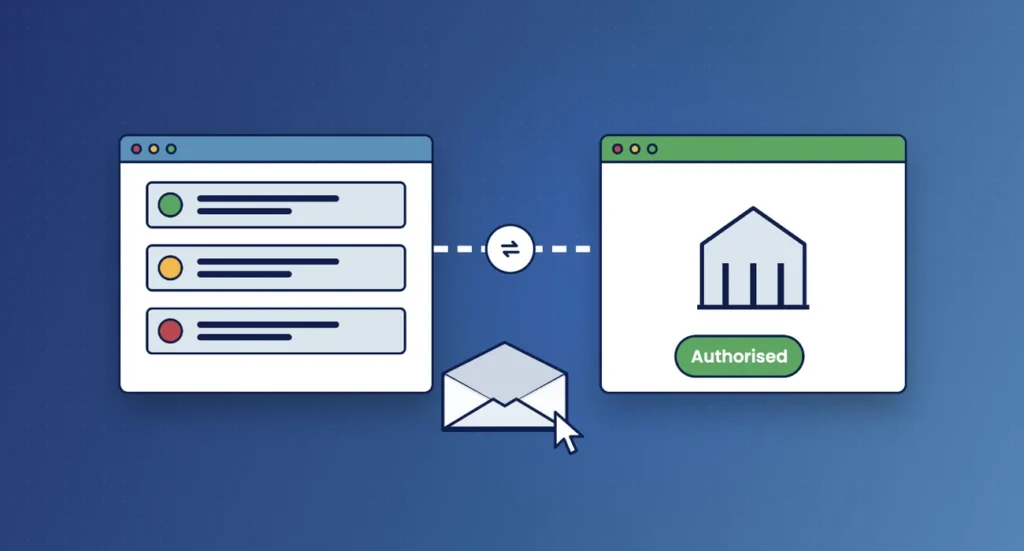
Use the digital handshake. HMRC’s digital handshake guidance sets out the steps:
- Sign in to your agent services account and choose ‘Ask a client to authorise you’.
- Choose the tax service, enter the client’s details and, for MTD for Income Tax, choose whether you are asking to be the main or a supporting agent.
- Copy the authorisation request link from the final page and send it to your client.
- The client selects the link and signs in with their own HMRC sign-in details (or creates them), then accepts the request.
- Track the request in your account, which shows requests sent in the previous 30 days and their status.
The link expires after 21 days. If the client does not respond in time, you need to start again, so it helps to tell them to expect the email and to follow up after a few days.
Main and supporting agents
MTD for Income Tax introduces two agent roles. A client can have only one main agent at a time, but any number of supporting agents, and can have supporting agents without a main agent.
| Task | Main agent | Supporting agent |
|---|---|---|
| Sign the client up, or opt them out | Yes | Yes |
| Submit quarterly updates for sole trader and property income | Yes | Yes |
| View due dates for payments, quarterly updates and the tax return | Yes | Yes |
| Change to calendar update periods | Yes | Yes |
| Finalise the tax position and submit the tax return | Yes | No |
| View tax calculations | Yes | No |
| Request repayments | Yes | No |
| Set up Direct Debits or change contact preferences | No | No |
The supporting role suits arrangements where, for example, a bookkeeper handles the quarterly updates and another firm prepares the tax return. When more than one agent is involved, agree in writing who does what.
Step 3: sign the client up
Sign in to the sign-up service with the same details you used for your agent services account. HMRC says you will need:
- the client’s full name, date of birth and National Insurance number;
- for each sole trader business: the business name, address and nature of the trade;
- for each income source: the start date and confirmation of the tax year they will start using MTD for Income Tax;
- details of any income sources that have ceased.
What the client needs to do
- Respond to your authorisation request link within 21 days (if you used the digital handshake).
- Have, or create, their own HMRC sign-in details to accept the request.
- Give you the business and property details you need to sign them up.
- Agree with you which compatible software will be used and who keeps the digital records.
- Check that the income sources shown for them are correct after sign-up.
A sign-up checklist for your practice
- Agent services account in place.
- Client confirmed as in scope (or volunteering) with no exemption.
- Self Assessment authorisation copied across, or authorisation request sent.
- Main or supporting role agreed and recorded.
- Client details and income source details collected.
- Client signed up and software chosen.
- Engagement letter updated for the quarterly service.
- First update deadline (7 August 2026) and your internal records deadline in the diary.
Frequently asked questions
Can I use form 64-8 for MTD for Income Tax?
No. HMRC’s 64-8 guidance says MTD for Income Tax requires separate online authorisation, through your agent services account.
How long does a client have to accept an authorisation request?
21 days from when you get the link. After that it expires and you need to send a new request.
Does copying my Self Assessment authorisation sign the client up?
No. It makes you the main agent for MTD for Income Tax, but the client still needs to be signed up.
Can a supporting agent file the tax return?
No. Supporting agents can submit quarterly updates, but only the main agent (or the client) can finalise the tax position and submit the return.
How Engager helps
Engager helps you collect what you need before sign-up. You can send clients onboarding forms to gather personal and income source details, and use checklists and job phases to track each client through authorisation and sign-up.
Engager also has an HMRC 64-8 agent authorisation integration, so you can request authorisation from the client record for the services it covers. Automated emails and reminders help keep clients moving before the first quarterly deadline.
Not using Engager yet? Start a free 28-day trial, with no card details required, or book a demo.