








The way to get client records in on time is to agree the deadlines up front, ask for the same things at the same points every year, and let reminders do most of the chasing. Put the dates in the engagement letter, send a record request schedule, give clients one simple place to upload, and only escalate personally when the automated steps have run out. With Making Tax Digital for Income Tax now on a quarterly rhythm, a process like this matters more than ever.
Why chasing takes so much time
Most late records are not the result of difficult clients. They come from unclear expectations. A client who does not know exactly what you need, by when, and why it matters will put it off until you ask again. Every individual email or phone call your team makes then adds time that you rarely recover in fees.
The fix is to make the request predictable for the client and the follow-up predictable for your team.
Step 1: put deadlines in the engagement letter
Your letter of engagement is the right place to set expectations, because the client has agreed to it. Consider including:
- The records the client is responsible for providing, and in what form.
- Your internal deadline for receiving them, set well before the statutory deadline.
- What happens if records arrive late, for example a later completion date or an additional fee for rushed work.
- For Making Tax Digital clients, a commitment to keep digital records up to date through each quarter.
An internal deadline only works if it is clearly earlier than HMRC’s. If the client sees only 31 January, 31 January is when they will think about it.
Step 2: send a record request schedule
A schedule tells each client, once, everything you will need over the year. It works best as a short table they can keep.
| What we need | Period covered | Please send by | Statutory deadline |
|---|---|---|---|
| MTD Q1 records up to date | 6 April to 5 July | Your internal date in mid July | Quarterly update by 7 August |
| MTD Q2 records up to date | 6 April to 5 October | Your internal date in mid October | Quarterly update by 7 November |
| MTD Q3 records up to date | 6 April to 5 January | Your internal date in mid January | Quarterly update by 7 February |
| MTD Q4 records up to date | 6 April to 5 April | Your internal date in mid April | Quarterly update by 7 May |
| Year-end information for the tax return | Full tax year | Your internal date, for example autumn | Online return by 31 January |
The quarterly dates above are the standard update periods in HMRC’s guidance on sending quarterly updates. Clients using calendar update periods have periods ending on 30 June, 30 September, 31 December and 31 March, with the same deadlines. The online Self Assessment return deadline of 31 January is set out on GOV.UK’s Self Assessment deadlines page.
Step 3: automate the reminders
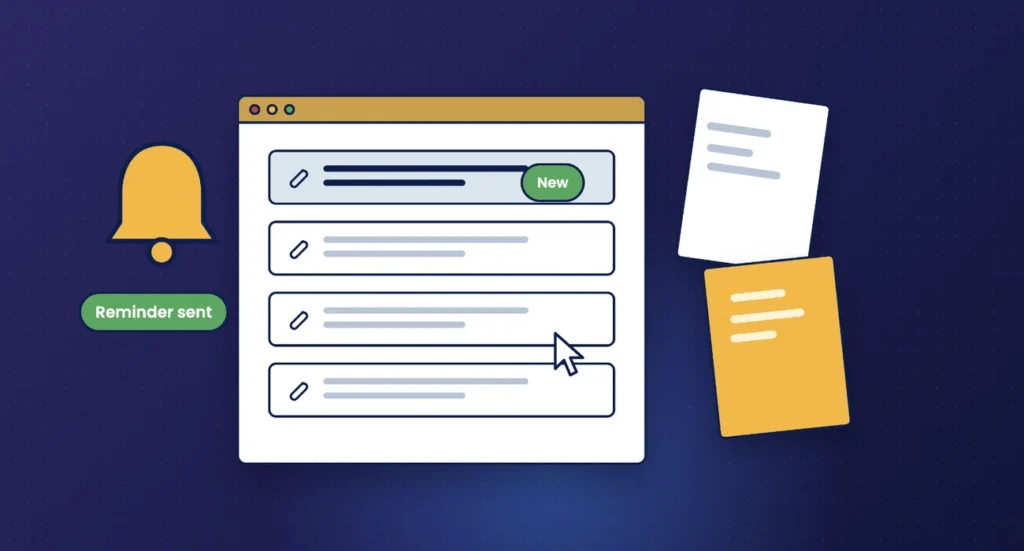
Once dates are agreed, reminders should not depend on someone remembering to send them. A typical sequence looks like this:
- Heads-up about two weeks before the period ends, explaining what is coming.
- Request on the day after the period ends, with a link to upload and a short list of what is needed.
- Friendly reminder a week later if nothing has arrived.
- Firmer reminder a few days before your internal deadline, mentioning the consequences in the engagement letter.
- Escalation to a named person in your team if the internal deadline passes.
Keep each message short. One clear ask and one link get more responses than a long email with several questions.
Step 4: give clients one place to upload
Email attachments get lost, sent to the wrong person, or arrive in pieces. A secure client portal gives clients one place to send documents and gives your team one place to look. It also means you can see what has arrived without searching inboxes.
For MTD clients using bookkeeping software with bank feeds, the ask may be smaller: confirm the feed is current, add missing receipts and answer a few queries. Say that clearly so clients do not send things you do not need.
Step 5: escalate in a planned way
Some clients will still miss the date. Decide in advance what happens next so that the team is not making it up each time.
- A phone call from the client manager, logged against the client record.
- A note of the revised date and any impact on fees, referring back to the engagement letter.
- For persistent cases, a conversation about whether the engagement still works for both sides.
Tie it to the MTD quarterly rhythm
For clients in Making Tax Digital for Income Tax, the year now has four natural checkpoints before the tax return. That is an opportunity. If records are brought up to date every quarter, the year-end work is smaller and fewer surprises appear in January. Use each quarter to review categorisation, deal with queries while they are fresh, and keep the client in the habit of sending things on time.
HMRC’s guidance on penalties for MTD for Income Tax confirms there are no penalties for late quarterly updates in the 2026 to 2027 tax year, but penalty points apply in later years. This first year is a good time to build the habit.
Records process checklist
- Engagement letter sets out client responsibilities and internal deadlines
- Record request schedule sent to every client at the start of the year
- Automated reminder sequence set up for each period
- Client portal in place, with clients shown how to use it
- Escalation steps agreed and owned by named people
- Progress visible to the whole team in one place
Frequently asked questions
How far ahead of the statutory deadline should our internal deadline be?
Far enough to review the records, raise queries and still meet HMRC’s date. Many practices allow several weeks for tax returns and a couple of weeks for quarterly updates, but choose what fits your workload.
Should we charge for late records?
If you intend to, say so in the engagement letter before the work starts. Clients are much more likely to accept a fee they have already agreed to.
How many reminders is too many?
Three or four short, well-timed messages per period is usually enough before a personal call. Beyond that, a conversation works better than another email.
Does MTD for Income Tax change what we need from clients?
It changes the timing. Records need to be kept digitally and brought up to date for each quarterly update, rather than gathered once a year.
How Engager helps
Engager brings the steps above into one system. You can issue letters of engagement with built-in e-signatures, set statutory and internal deadlines on jobs, and use automated emails and reminders, plus bulk email and SMS, to request records at the right time.
Clients upload documents through a branded client portal and mobile app, and your team can track progress with task management, job phases and Kanban boards.
Not using Engager yet? Start a free 28-day trial, with no card details required, or book a demo.